
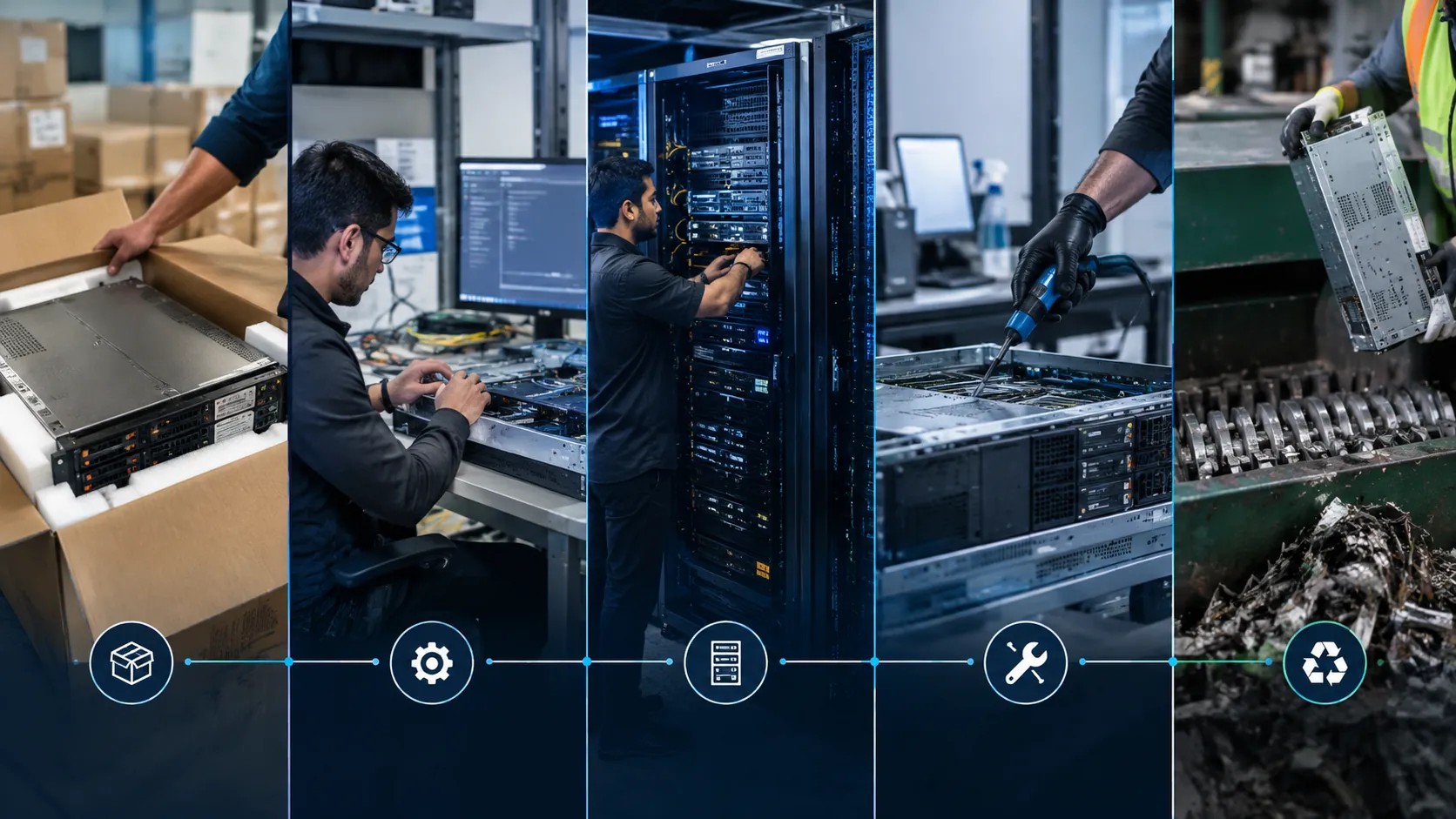
Hardware lifecycle management (HLM) is the end-to-end process of planning, procuring, configuring, deploying, maintaining, and retiring IT devices (laptops, desktops, servers, peripherals) through standardized workflows, automation, and governance. It transforms hardware from a capital expense into a managed service with predictable costs, security compliance, and sustainability outcomes.
What Is Hardware Lifecycle Management?
Hardware lifecycle management (HLM) applies IT asset management (ITAM) principles to physical devices throughout their useful life. It spans six phases: Plan → Procure → Configure → Deploy → Maintain → Retire. Each phase has defined inputs, outputs, owners, and metrics. HLM connects finance (CAPEX/OPEX), security (compliance, encryption), operations (uptime, support), and sustainability (e-waste, circularity).
Why Ad-Hoc Hardware Management Fails
Organizations without HLM experience: device sprawl (unknown inventory), version chaos (mixed OS/driver/firmware), security gaps (unpatched endpoints, unencrypted drives), budget surprises (emergency replacements), and compliance risk (improper disposal, data leakage).
Key Challenges
Inventory Blindness
CMDBs are often inaccurate. Devices exist in spreadsheets, not systems of record. Shadow IT purchases bypass procurement. Cloud-only assets (VDI, DaaS) are invisible to traditional discovery.
Refresh Cycle Misalignment
Devices run beyond vendor support (Windows 10 EOL Oct 2025). Security patches stop. Performance degrades. Productivity loss exceeds replacement cost. Or conversely, premature refresh wastes residual value.
Disposal & Data Risk
Retired devices stored in closets. Hard drives not wiped. E-waste regulations violated (WEEE, state laws). Remarketing value lost. Sustainability goals missed.
Recommended Lifecycle Framework
Phase 1: Plan — Standardize & Forecast
- Define hardware standards by persona (knowledge worker, power user, frontline, kiosk, server).
- Align refresh cycles: 36 months for endpoints, 60 months for servers, 48 months for network gear.
- Forecast demand 12-18 months using HR headcount plans + attrition + growth.
- Establish TCO model: acquisition + deployment + support + disposal / useful life.
Phase 2: Procure — Strategic Sourcing
- Consolidate vendors (Dell, HP, Lenovo) for volume pricing and simplified support.
- Negotiate lifecycle services: imaging, asset tagging, warehouse/staging, white-glove deployment.
- Require vendor commitments: 5-year parts availability, 4-hour on-site SLA, take-back program.
- Use procurement portals with approval workflows — no corporate card purchases.
Phase 3: Configure — Zero-Touch Provisioning
- Autopilot / Windows Autopilot / Apple Business Manager for zero-touch enrollment.
- Golden images: security baseline, approved apps, drivers, certificates. Version-controlled.
- Pre-stage in warehouse: unbox, image, tag, test, re-box. Ship ready-to-use.
- Integrate with MDM (Intune, Jamf, Workspace ONE) for policy push on first boot.
Phase 4: Deploy — User-Centric Experience
- Self-service portal: user selects approved device, schedules delivery/pickup.
- Swap programs: advance replacement for failed devices. No downtime.
- Track assignment: user ↔ device ↔ location ↔ cost center in real time.
- Day-0 productivity: credentials, apps, data sync before user touches device.
Phase 5: Maintain — Proactive Health
- Telemetry: battery health, disk SMART, thermal, firmware version, warranty status.
- Automated firmware/driver updates via vendor tools (Dell Command Update, HP Image Assistant).
- Preventive maintenance: cleaning, thermal paste, SSD health check at 24-month mark.
- Warranty tracking: auto-extend or replace before expiry. Claim management.
Phase 6: Retire — Secure & Sustainable
- Trigger: age > refresh cycle, repair cost > 50% replacement, user offboarding.
- Data sanitization: NIST 800-88 compliant wipe (NVMe secure erase, multi-pass for HDD). Certificate per device.
- Remarketing: grade, refurbish, resell — recover 15-30% residual value.
- Recycling: R2/e-Stewards certified recycler. Documentation for ESG reporting.
- Donation: qualified non-profits with data destruction guarantee.
| Phase | Ad-Hoc Approach | Managed Lifecycle |
|---|---|---|
| Plan | Reactive replacement | Forecast-driven standards by persona |
| Procure | Corporate card, single units | Volume agreements + lifecycle services |
| Configure | Manual imaging per device | Zero-touch Autopilot + golden images |
| Deploy | IT hand-delivers, hours setup | Self-service portal, day-0 ready |
| Maintain | Break-fix, user reports issues | Telemetry-driven proactive maintenance |
| Retire | Closet storage, data risk | Certified wipe, remarket, recycle, donate |
Ad-hoc hardware management vs. managed lifecycle approach
Practical Recommendations
- Define 3-4 hardware personas covering 90% of users. Eliminate one-off exceptions.
- Implement Windows Autopilot / Apple Business Manager for zero-touch provisioning.
- Require vendors to provide warehouse staging, imaging, and asset tagging as included services.
- Deploy endpoint telemetry (Intune, Jamf, Lansweeper) for warranty, firmware, and health monitoring.
- Partner with R2/e-Stewards certified recycler for disposition. Track carbon avoidance metrics.